Discovery Call Appointment and Lead Routing
A live Make scenario that receives portfolio discovery-call bookings, checks whether a lead record already exists, updates Google Sheets, and routes Telegram notifications through separate existing-lead and new-lead paths.
Business problem
Discovery-call bookings can create duplicate records and inconsistent notifications when a team has to manually check whether each person already exists in the lead tracker.
What I built
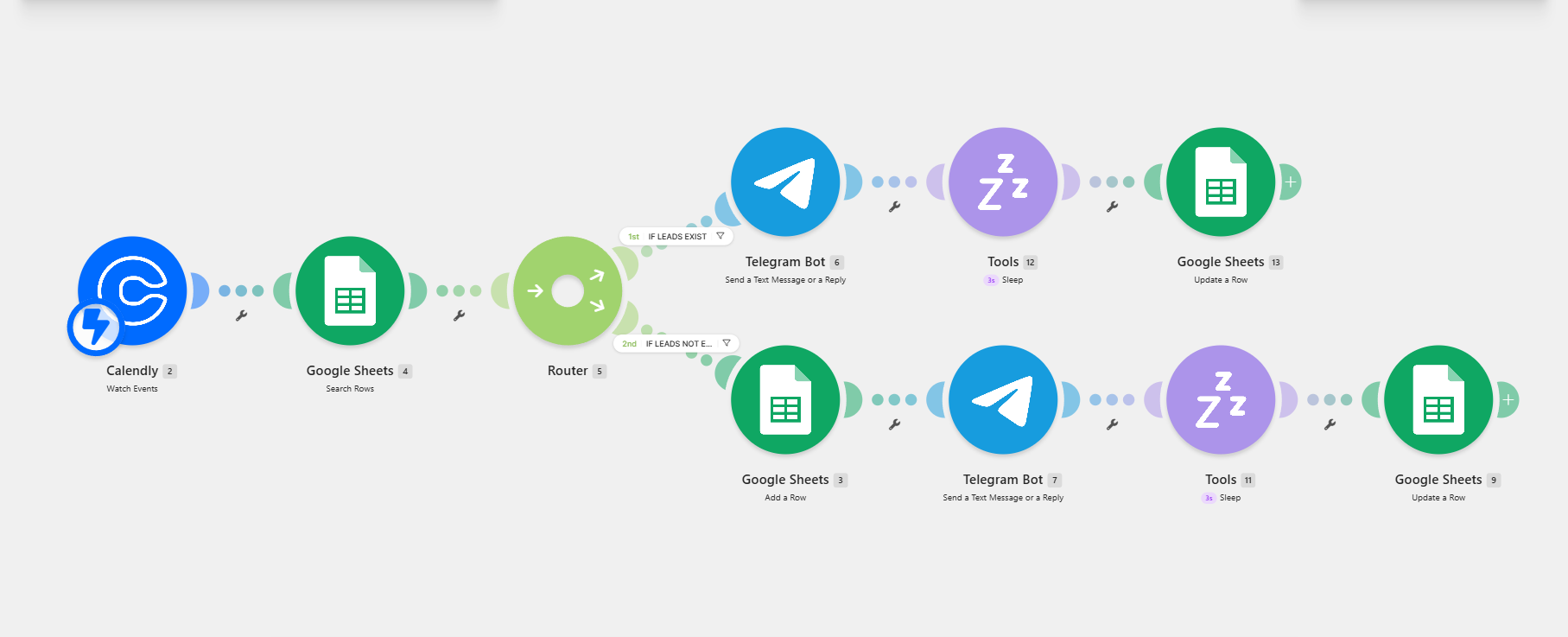
The Make scenario receives Calendly bookings, searches Google Sheets, routes records based on whether the lead exists, updates the appropriate sheet state, and sends the correct Telegram notification for each path.
How I built the workflow
Receive booking
Calendly sends the new discovery-call appointment into Make.
Check the lead tracker
Google Sheets is searched for a matching lead record.
Route by lead state
A router separates existing leads from new leads.
Update and notify
The relevant sheet record is updated and Telegram receives the matching notification.
Tools and integrations
Key features
- Calendly booking trigger
- Google Sheets lookup
- Existing-lead router
- New-lead router
- Telegram notifications
- Sheet record updates
Intended impact
- Discovery-call bookings are routed automatically.
- Existing and new leads follow separate, visible paths.
- Google Sheets and Telegram stay synchronized with the booking flow.
Project results
The Make dashboard shows the discovery-call scenario running in production.
Existing and new leads follow separate automation branches.
The scenario dashboard showed 82 processed operations when captured.
Challenges and resolutions
Avoiding duplicate lead handling
Search the lead sheet first and route existing and new records through separate filtered branches.
Future improvements
Related projects
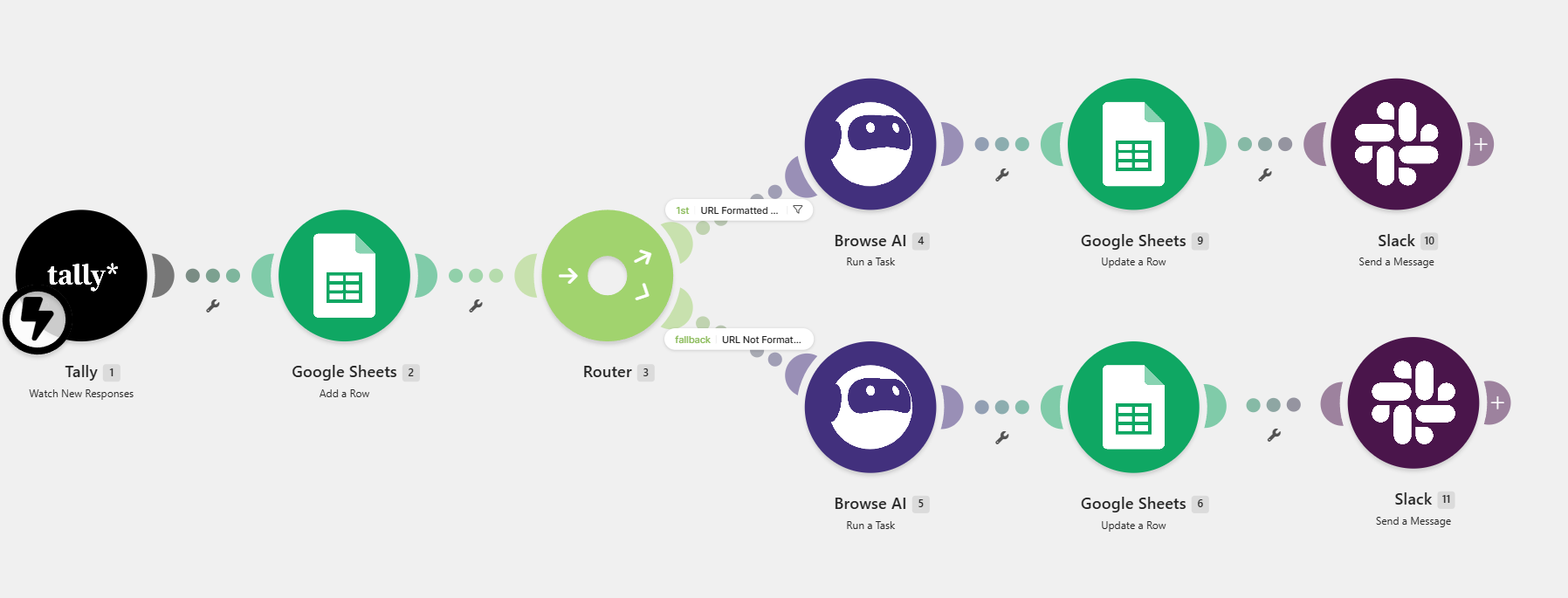
Client Intake and Consultation Scheduling System
Manual lead research, appointment coordination, and internal communication delayed responses.
Outcome: Lead records are centralized for visibility.
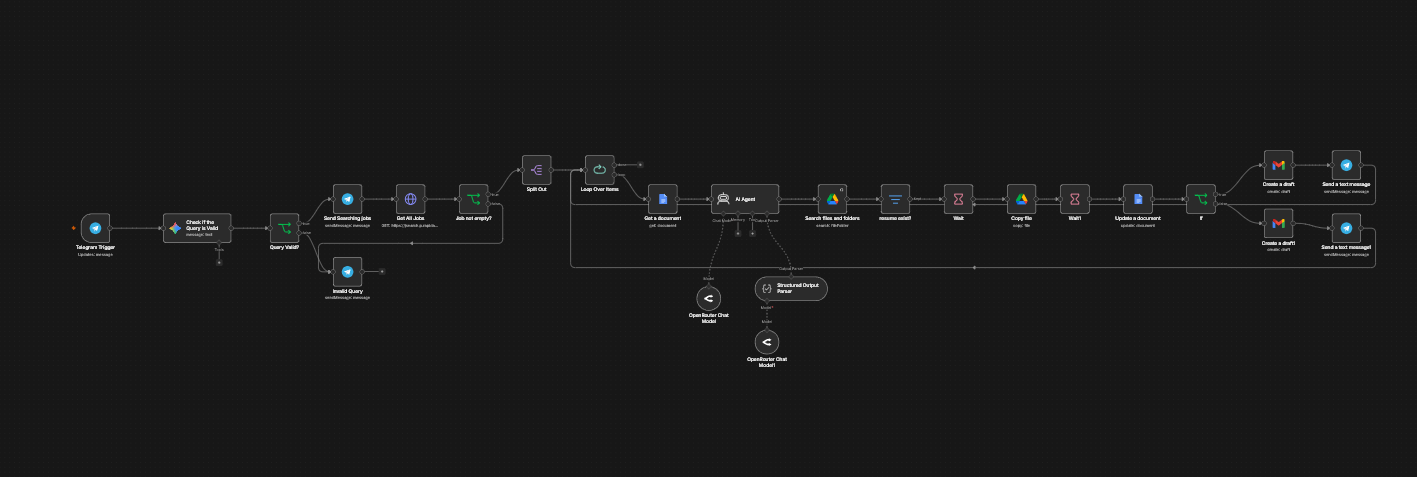
AI Job Scraper and Resume Optimization System
Job searching becomes fragmented across roles, platforms, resume edits, proposals, and follow-up tracking.
Outcome: Expected to centralize job discovery and application preparation.
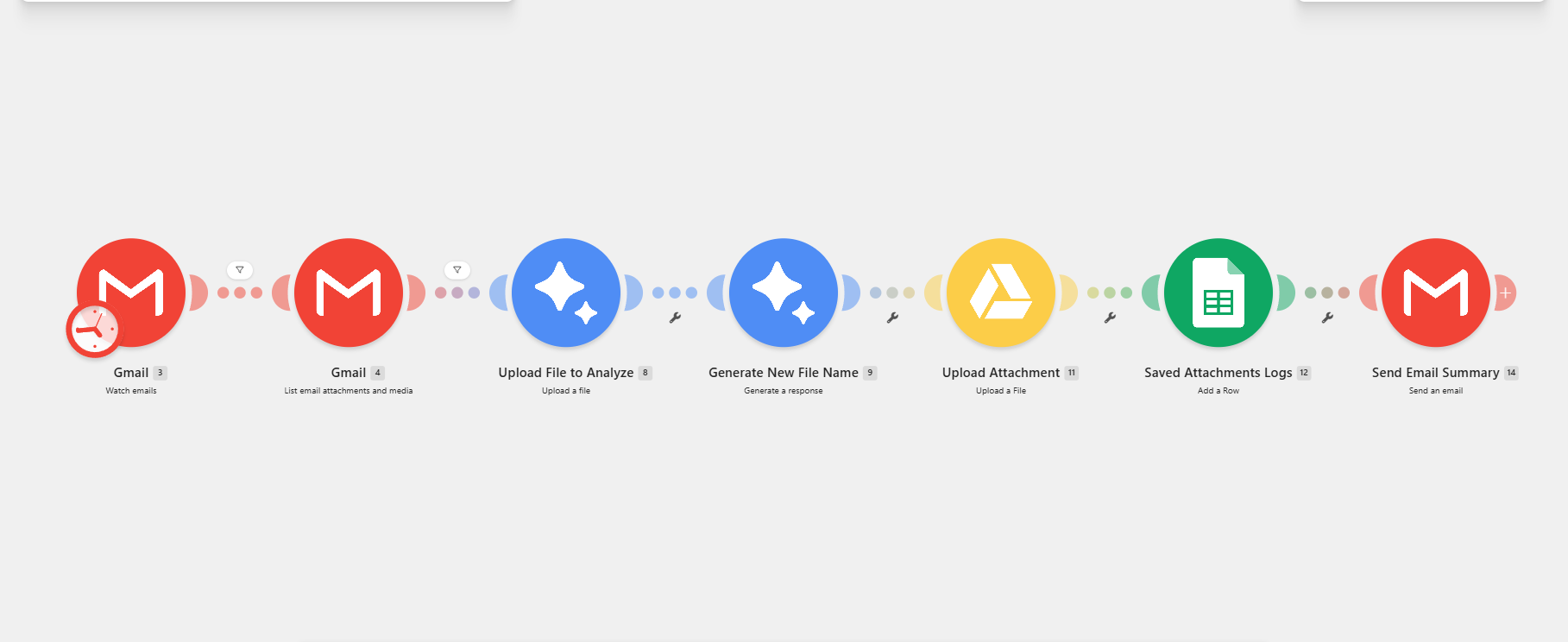
Automated Gmail Attachment Filing
Email attachments quickly become difficult to find when files are downloaded, renamed, organized, and logged manually.
Outcome: Incoming attachments follow one repeatable filing process.
Need a reliable scheduling automation system?
Share the bottleneck, tools, and desired outcome. I’ll help map the right workflow and a practical implementation path.