Secure RTO Client Qualification and Lead Routing
A production lead-intake system for nicwork.xyz that validates submissions, blocks abuse, scores project fit, stores qualified leads in Google Sheets, and sends reference-only Gmail alerts.
Business problem
Public intake forms can create noisy inboxes, duplicate records, privacy risks, and wasted follow-up time when every submission is treated as a legitimate opportunity.
What I built
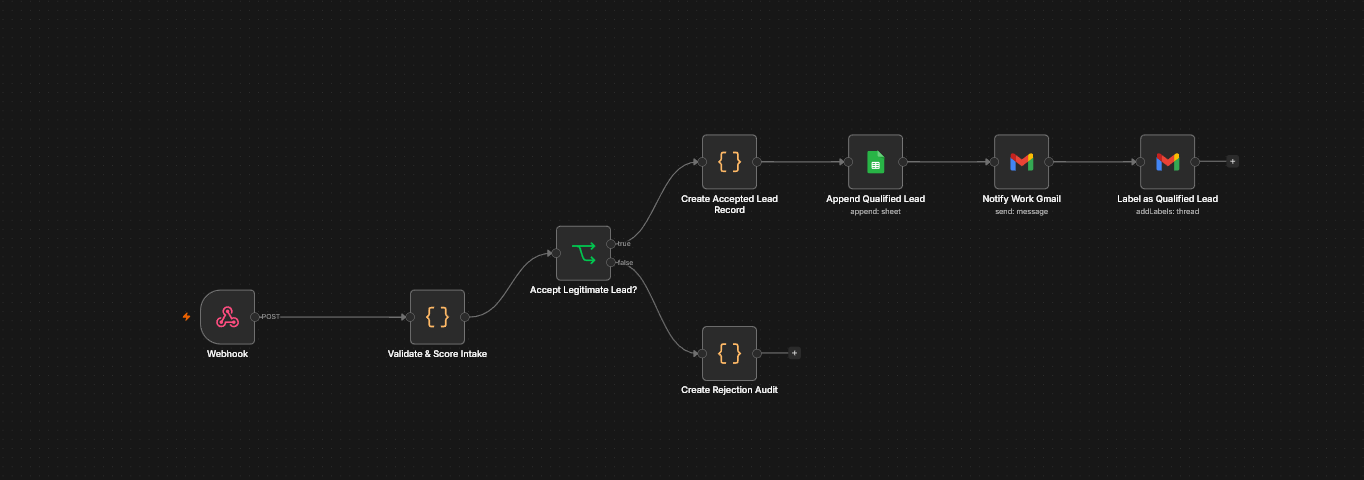
The portfolio sends Turnstile-verified requests through a protected Cloudflare endpoint into n8n. The workflow validates and scores the brief, separates accepted and rejected submissions, stores qualified leads before notification, sends a minimal Gmail alert, and labels the conversation for follow-up.
How I built the workflow
Screen the submission
Cloudflare verifies the request and applies rate, duplicate, and plausibility checks.
Validate and score
n8n normalizes the brief, calculates its qualification score, and prepares a reference ID.
Route safely
Qualified and rejected submissions follow separate auditable paths.
Store first
Accepted lead details are appended to the protected Google Sheet before any notification is attempted.
Notify and organize
Gmail receives a reference-only alert and applies the Qualified Leads label.
Tools and integrations
Key features
- Cloudflare Turnstile verification
- Server-side input validation
- Rate limiting and duplicate protection
- Lead qualification scoring
- Accepted and rejected routing
- Google Sheets lead storage
- Reference-only Gmail alerts
- Automatic Qualified Leads labeling
Operational impact
- Qualified opportunities reach one organized follow-up queue.
- Lead details remain in the protected Google Sheet instead of notification emails.
- Rate limits, duplicate detection, and validation reduce avoidable spam.
Project results
The protected workflow is connected to the public nicwork.xyz project form.
Qualified lead details are stored in one protected Google Sheet.
Notification emails contain the lead reference, priority, and score—not the full submission.
Challenges and resolutions
Balancing spam protection with a smooth client experience
Layer invisible verification, rate limits, duplicate checks, and clear cooldown messaging without forcing account creation.
Preventing notification failures from losing a lead
Write the accepted record to Google Sheets before sending the Gmail alert.
Future improvements
Related projects
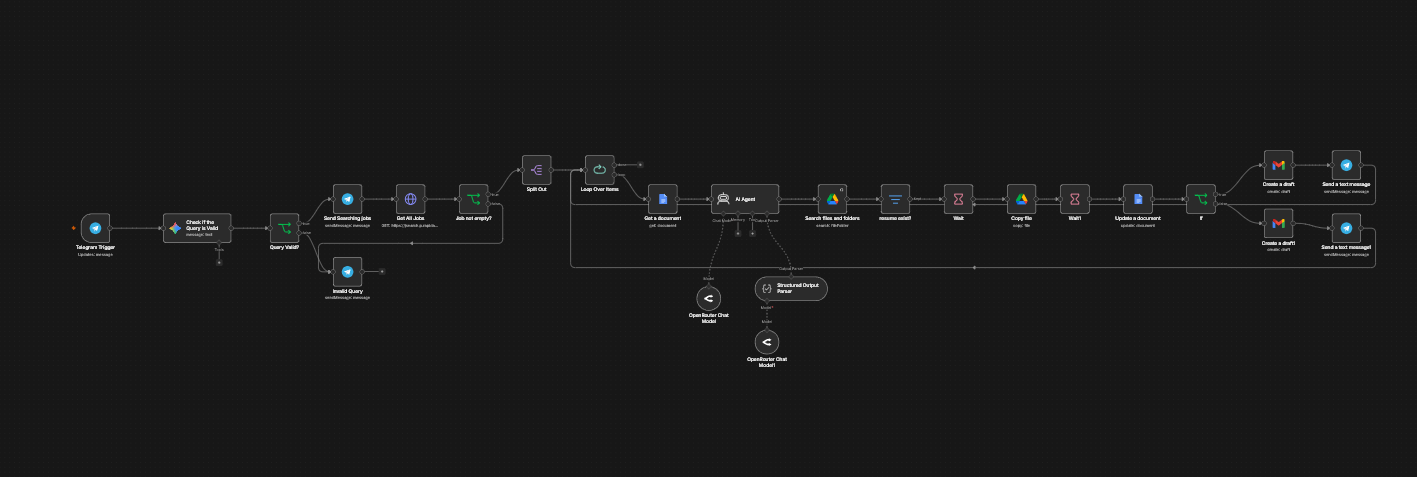
AI Job Scraper and Resume Optimization System
Job searching becomes fragmented across roles, platforms, resume edits, proposals, and follow-up tracking.
Outcome: Expected to centralize job discovery and application preparation.
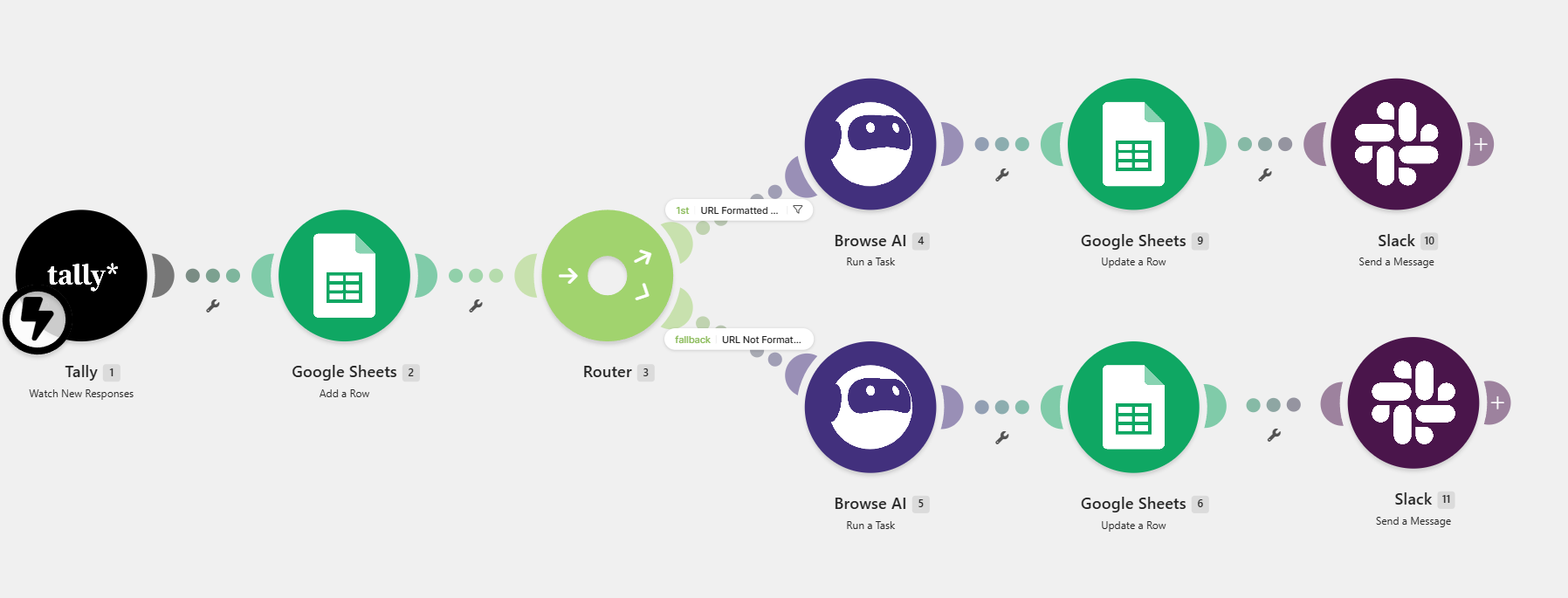
Client Intake and Consultation Scheduling System
Manual lead research, appointment coordination, and internal communication delayed responses.
Outcome: Lead records are centralized for visibility.

Computer Repair Ticketing and Operations System
Repair requests needed centralized tracking, stage updates, and consistent customer communication.
Outcome: Repair requests are easier to track.
Need a reliable lead qualification automation system?
Share the bottleneck, tools, and desired outcome. I’ll help map the right workflow and a practical implementation path.